
How Do You Repurpose Blog Content Without Copying It?
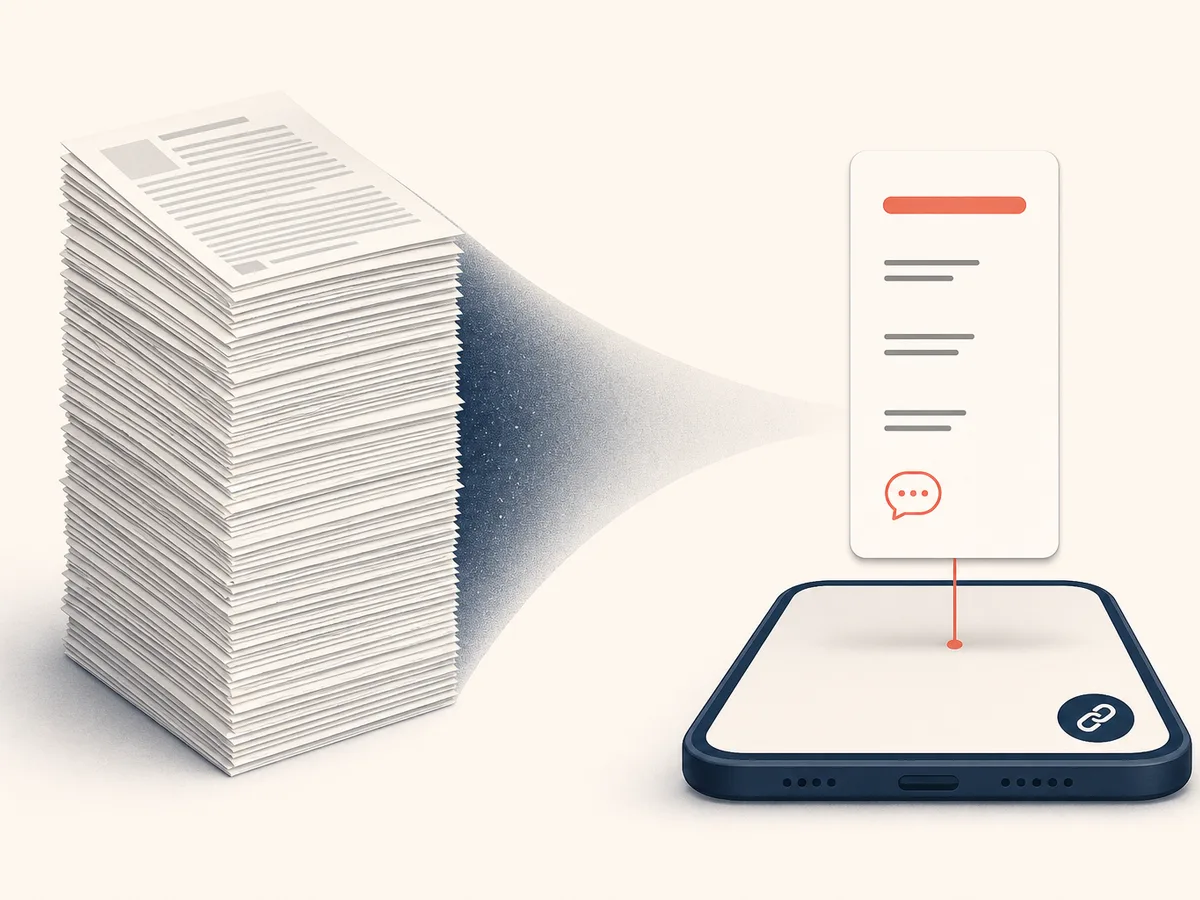
To repurpose blog content without copying it, pull one core idea from the post, then rewrite it for each format's length, audience, and reading context. Don't paste text from one place to another. Treat the original article as source material, not a script.

The payoff is practical. You've already done the research, structure, and argument, so each new format needs fresh packaging, not fresh thinking. One solid post can feed several channels without you inventing three new topics.
What changes is how people meet the content:
- Newsletter: a subscriber who knows you, reading in an inbox, willing to spend a few minutes.
- LinkedIn: a scrolling feed audience, so the opening line and short paragraphs matter most.
- Script: words meant for the ear, with shorter sentences and spoken transitions.
This guide follows a simple content repurposing workflow in five moves: choose the right post, isolate its core idea, adapt it for email, compress it for LinkedIn, and convert it into a video or podcast script. After that, you'll turn those steps into a repeatable checklist and schedule, and learn which mistakes make reused content fall flat.
Pick the Right Post and Isolate One Core Idea
Start with an evergreen blog post: one whose advice still holds months later. Posts that drew replies, shares, or steady search traffic are also good candidates, since readers have already shown interest.
Then extract three things:
- One thesis. Write the core idea in a single sentence. If it needs "and," you probably have two ideas.
- Two or three key points. These are the strongest supports for the thesis, not every section heading.
- One example. Choose a story, number from your own work, or case that makes the idea concrete.
Keep these notes beside you. Every format you write next draws from them, not from the full article.
How Do You Turn a Blog Post Into a Newsletter?
Turning a blog post into a newsletter takes five steps. Keep the core idea, change the voice, and cut the length.
1. Write the email subject line first. Base it on the post's main promise, but phrase it the way you'd speak to one subscriber. A specific benefit or a curious detail usually beats the blog headline copied word for word.
2. Open with a personal line. Start with why this topic came up for you: a client question, a mistake, a small win. Subscribers chose to hear from a person, so sound like one.
3. Shorten the body. Keep the thesis, two or three key points, and the one example you chose earlier. Cut background, secondary tips, and anything a reader can find in the full post.
4. Add one personal angle. A sentence on what you tried, changed, or got wrong makes the email more than a summary.
5. End with a single call to action. For most emails, that is "Read the full post," placed as a clear link or button. Avoid adding a reply request, a survey, and a product pitch in the same message.
Before sending, read the email without the link. If it still gives value on its own, the blog post to newsletter conversion works.
Adapt the Article for LinkedIn: Hook, Structure, and Length
A LinkedIn post should carry one lesson or story from the article, not a summary of it. Write it for someone scrolling, who decides in a second whether to keep reading.
Start with the hook
Only the first line or two show before the "see more" cut-off, so the hook has to earn the click. Good options:
- A surprising result: "I rewrote the same post three times before it worked."
- A blunt claim: "Most blog posts die after one week."
- A short moment from your example.
Avoid warm-ups like "I'm excited to share." Lead with the idea.
Structure and length
Keep it short. A few hundred words is plenty, and shorter often reads better. Use one-sentence paragraphs with white space between them.
- Hook.
- The problem or story, in two or three lines.
- The lesson, stated plainly.
- One example from your post.
- A closing question.
Pick the single point that anchors the article. Leave the rest for the blog.
Place the link naturally
The post should make sense without a click. Put the link near the end, after the lesson, with a short line such as "I break down the full process here." Some people drop it in the first comment instead, so test which fits your audience.
End with a question that invites a specific answer, like "Which format do you repurpose first?"
Write a Video or Podcast Script From the Same Article
Writing a video script is closer to translating than trimming. Spoken language works differently from the page, so read each paragraph aloud and rewrite whatever makes you stumble.
Restructure for the ear
Listeners can't scroll back. Open with the core idea in one sentence, then give your two or three key points and the example you chose earlier. Say what's coming ("There are three things to fix"), then signal each one as you reach it.
Shorten and simplify
Cut long sentences in half. Swap formal phrasing for how you'd explain it to a colleague: "use" instead of "utilize," contractions throughout. Drop parentheses, tables, and anything that depends on visual layout.
Add transitions and cues
Written text relies on headings. Speech needs verbal signposts such as "Here's the catch," "Next," or "So what does this mean?" Mark cues in the margin:
- [ON SCREEN] for a text overlay or chart
- [B-ROLL] for supporting footage
- [PAUSE] or [SFX] for audio beats
Set a runtime
Pick a target length first, then trim to fit. Speaking pace varies, so time yourself reading it aloud rather than trusting a word count. One core idea usually suits a short video better than a full tour of the post.
End with a spoken call to action
Choose one ask: subscribe, read the full post, or reply with a question. Say where to find the link ("It's in the description"), because nobody can click a sentence they only hear.
Build a Repeatable Workflow and Publishing Schedule
Turn the steps above into a short checklist for each format, saved where you'll actually open it. Each list needs only a few lines: the core idea, the opening hook, the length target, one call to action, and the link back.
Stagger the publishing order
Put every piece on your content calendar when the blog post goes live. A simple publishing schedule might run like this:
- Blog post first, as the reference point.
- Newsletter a day or two later, for your most engaged readers.
- LinkedIn post a few days after that.
- Script recorded and published last, once you know which angle landed.
Adjust the gaps to your audience's habits.
Track and plan ahead
Keep a simple note of which hook, topic, or format drew replies, clicks, or comments. Patterns appear quickly.
Then write with reuse in mind. While drafting, mark a one-sentence thesis, a standout example, and a quotable line. Future repurposing starts from those notes instead of a re-read.
Common Mistakes That Make Reused Content Fall Flat
- Pasting identical text everywhere. Readers who see the same words in three places stop paying attention. Fix: rewrite each version from your one core idea, not from the blog's sentences.
- Ignoring audience expectations. A formal newsletter tone feels stiff on LinkedIn, and a feed-style hook feels thin in an inbox. Fix: before drafting, note what each audience expects in tone, length, and opening.
- Cramming in too many points. Squeezing a whole article into a post or script loses the thread. Fix: keep one thesis and one example per format.
- Leaving out a call to action. Without a next step, good content ends in a shrug. Fix: give each format one specific ask, such as reading the full post, replying, or subscribing.