
Understanding the Two Outlining Methods
Writers generally approach outlining in one of two ways. Some turn to a free outline generator for writers, which builds a structured skeleton from a topic, prompt, or set of keywords. Others prefer manual outlining, building the structure by hand through notes, lists, or diagrams.
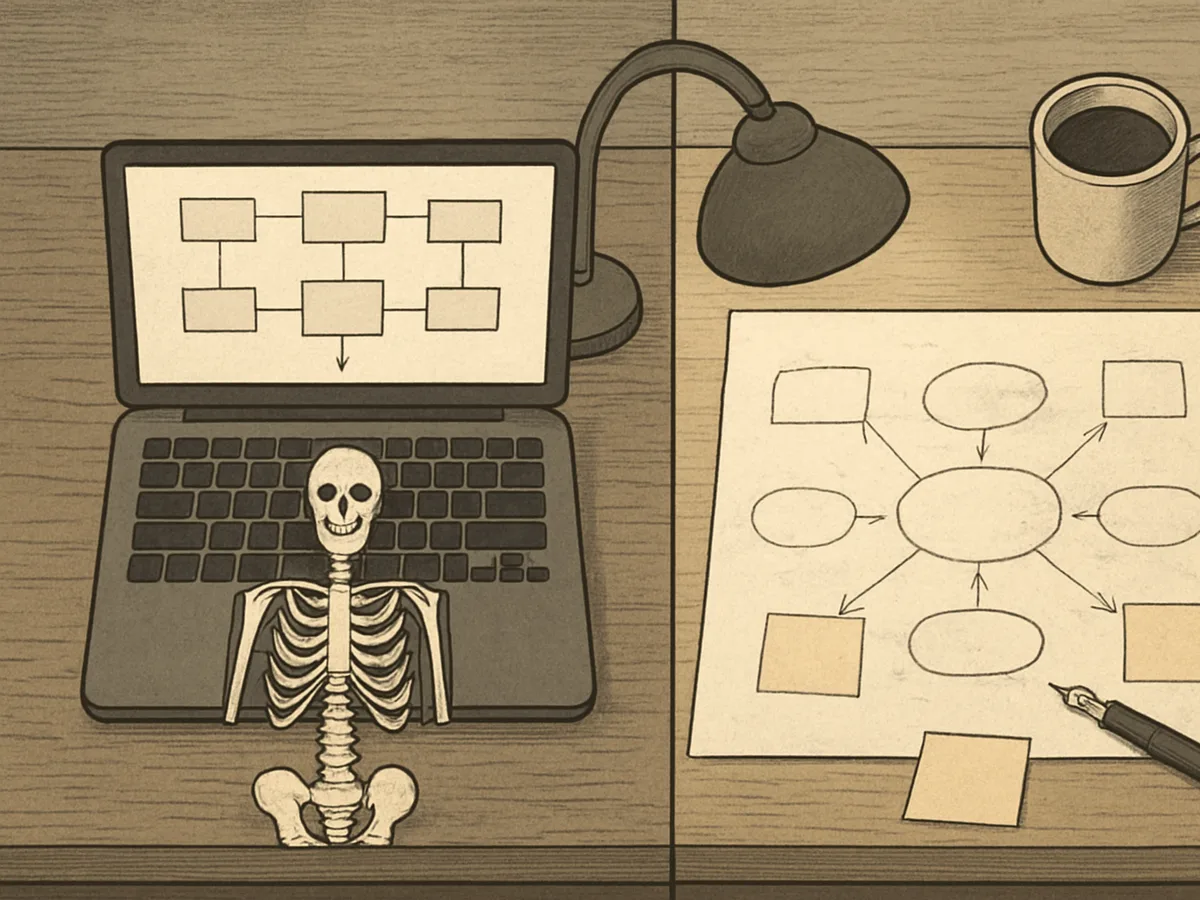
Each method reflects a different philosophy about the writing process. A generator treats structure as something that can be drafted quickly and refined later. Manual outlining treats structure as part of the thinking itself, developed slowly as ideas take shape.
Neither approach is inherently better. The right choice depends on your project, your deadlines, and how you like to work.
What Is a Free Outline Generator for Writers?
A free outline generator is a type of writing tool that produces a structured outline from minimal input. You supply a topic, a working title, a prompt, or a short list of keywords, and the tool returns a hierarchy of sections and subsections you can build on.
These tools vary in scope. Some generate a simple heading structure; others suggest supporting points under each heading or let you choose formats like chronological, compare-and-contrast, or problem-solution.
Automated outlining typically works in seconds. You review the result, reorder or rename sections, and delete what does not fit. Most generators are web-based and offer a free tier, which is why the free outline generator label is common. For many writers, the value is a starting skeleton rather than a finished plan.
What Is Manual Outlining?
Manual outlining is the practice of building a document's structure by hand, without software generating the framework for you. Traditional outlining usually takes one of a few forms: a hierarchical list of Roman numerals and letters, a simple bulleted list of points, or a visual map with ideas connected by lines and arrows.
Many writers still favor handwritten outlines, working in a notebook where they can cross out, rearrange, and scribble in the margins. The method is deliberately slow. Because you decide every heading and supporting point yourself, manual outlining keeps structure tied to the thinking process — you outline as a way of discovering what you actually want to say.
Speed and Efficiency: How Fast Can You Start Writing?
Speed is where the two methods diverge most sharply. A free outline generator for writers can turn a topic or a few keywords into a working structure in seconds. You paste in your input, review the output, and start drafting almost immediately.
Manual outlining moves at the pace of your thinking. Sketching a hierarchy by hand, rearranging sections, and deciding what belongs where can take an hour or a full afternoon, depending on the project. That time isn't wasted, but it is time spent before any drafting begins.
For raw efficiency, the generator wins. It removes the blank-page delay and gives you something concrete to react to. The trade-off is that a generated outline may need heavy revision before it truly fits your argument, and that cleanup takes time too.
Control and Customization: Who Decides the Structure?
Control and customization look different in each method.
A free outline generator gives you a starting structure fast, but you're working within its logic. You can rename sections, reorder points, and delete what doesn't fit, yet the initial shape comes from the tool. The control is real, but it's reactive — you're editing a draft you didn't design.
Manual outlining puts every decision in your hands. You choose the hierarchy, the emphasis, the sequence, and how much detail each section needs. That level of customization suits complex arguments or unconventional formats where a template would fight your intent.
If you want a quick scaffold to push against, a generator's default outline structure is enough. If the structure itself is the argument, manual outlining keeps you in charge.
Creativity and Ideation: Does Automation Stifle Original Thought?
The relationship between outlining tools and creativity depends heavily on where your ideas come from. Manual outlining tends to function as part of ideation itself: as you sketch headings and shuffle points, unexpected connections surface, and the structure evolves alongside the thinking. The act of arranging ideas by hand often produces ideas you didn't start with.
A free outline generator works differently. It gives you a scaffold to react to rather than a blank page to fill, which can free mental energy for the writing itself. For some writers, that jumpstart sparks creativity by removing the paralysis of infinite choice. For others, accepting a ready-made structure too early can short-circuit the messy, generative phase where original thought develops.
The real risk isn't automation itself but premature closure. Used as a starting point you're willing to reshape, an outline generator for writers can support creativity. Used as a final answer, it may quietly narrow your thinking.
Overcoming the Blank Page: Which Method Gets You Unstuck?
Writer's block often starts with the blank page itself. A free outline generator for writers attacks this directly: within moments, you have headings and structure, and the page is no longer empty. That small win can be enough to get words flowing, even if you rewrite everything later.

Manual outlining works differently. It gets you unstuck by giving your restless thoughts somewhere to land—a list, a cluster of notes, a rough map. The act of arranging ideas by hand can loosen whatever was blocking them. But it demands momentum you may not have when you are stuck.
If the blank page paralyzes you, a generator gets you moving fastest. If your block is really about unclear thinking, manual outlining may resolve it more honestly.
Quality and Consistency: Does the Outline Hold Up?
Quality and consistency depend heavily on how much thought goes into the structure. A free outline generator for writers tends to produce a uniform result: the same input yields a similarly shaped outline every time. That consistency is useful, but it can flatten nuance, and the quality of the output depends on the quality of your prompt.
Manual outlining varies more. A careful writer may produce a sharper, more tailored structure, while a rushed one may end up with gaps or uneven sections. Its consistency depends on the writer's own habits rather than a fixed process.
Neither method guarantees a strong outline. Generators offer reliable shape; manual work offers depth. The real test is whether the outline still holds up once you start drafting.
When a Free Outline Generator for Writers Is the Right Fit
A free outline generator for writers fits best when structure is the bottleneck, not the ideas. If you already know your topic and just need a skeleton to fill in, generating one takes seconds and gets you drafting sooner.
It also suits high-volume work: blog posts, SEO articles, or client pieces where the format is predictable and speed matters more than novelty. Under a tight deadline, a generated outline beats staring at a blank page.
Writers exploring an unfamiliar topic can benefit too. A generator proposes angles you might not have considered, giving you something concrete to react to.
The clearest signal for when to use one: you need a starting point, not a finished plan.
When Manual Outlining Is the Right Fit
Manual outlining earns its place when the structure itself is the hard part of the work. If your argument is still forming, sketching it by hand forces you to decide what connects to what, which is often where the real thinking happens.
Consider manual outlining when to use your own judgment matters more than speed:
- The topic is complex, contested, or emotionally weighted, and a generic structure would flatten it.
- You already have strong instincts about the shape of the piece and want to follow them.
- The project is long enough that small structural errors compound later.
Your writing process is personal. When the outline is the thinking, build it yourself.
Combining Both: A Hybrid Approach to Outlining
A hybrid approach treats the generator as a starting point rather than a finished plan. Generate a rough structure first, then rebuild it by hand: merge sections that overlap, cut what does not fit, and add the ideas the tool could not have known.
This sequence plays to both strengths. The generator handles the blank page; manual outlining handles the judgment. Writers who work this way often report moving faster than with either method alone, because they never outline from nothing and never accept a structure they have not questioned.
The hybrid approach is not a compromise. It is a workflow that assigns each task to the method that does it best.
Final Recommendations for Your Writing Process
Choose based on what you need most right now. If speed matters, or you're facing a blank page, a free outline generator for writers gets you moving. If your ideas need room to develop, manual outlining keeps you close to the thinking.
You don't have to commit to one. Many writers generate a skeleton, then rework it by hand.
Whatever you pick, let your writing process stay flexible. Outline until you can start drafting, then stop. The method that gets words on the page is the right one for you.