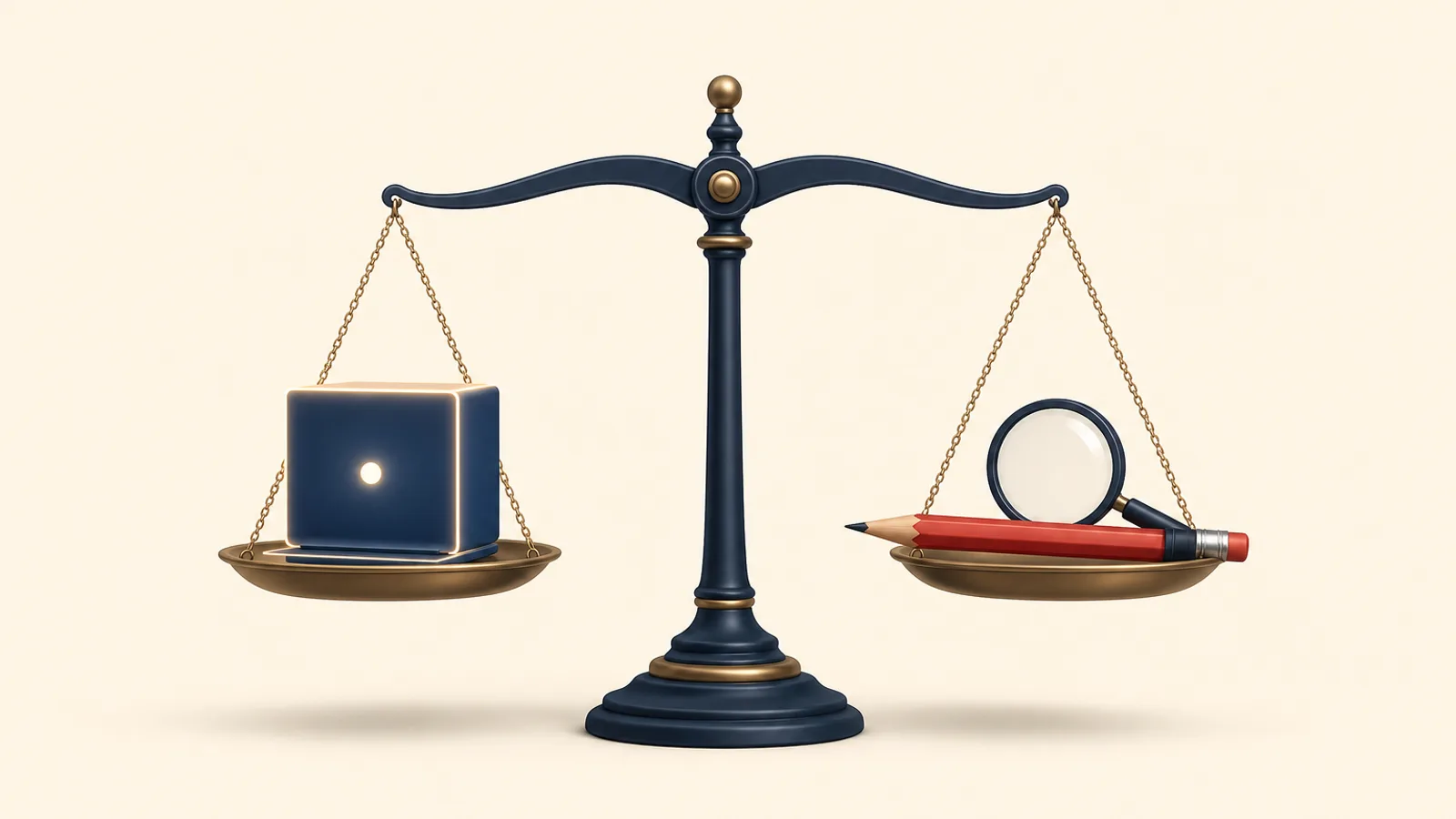
Grammar Checker vs Proofreader: The Short Answer
Use a grammar checker for fast, routine error catching on everyday drafts. Bring in a human proofreader when accuracy, tone, or reputation matter. The two tools do different jobs, and for anything important they work best in sequence.
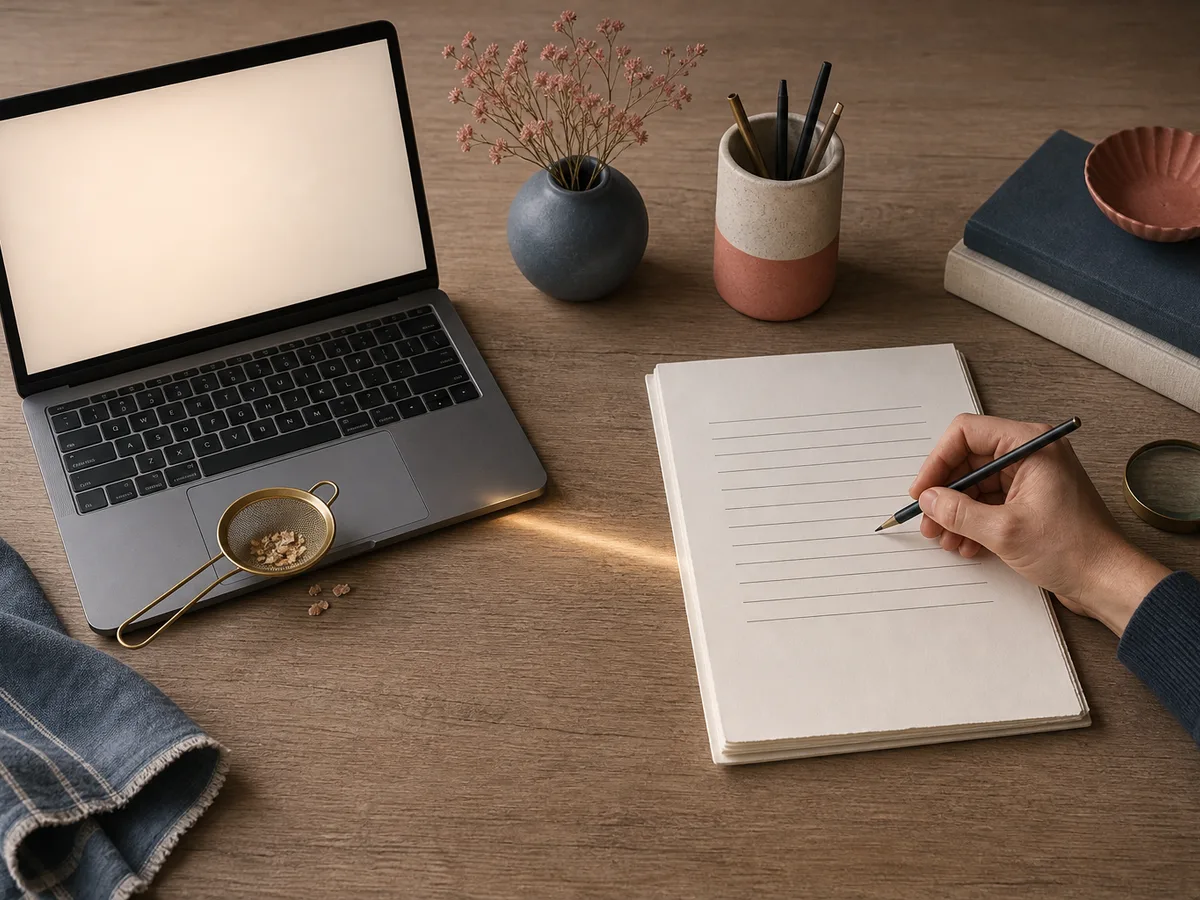
That is the core of the grammar checker vs proofreader question. A grammar checker is software that scans text for spelling slips, punctuation errors, repeated words, and obvious grammar mistakes. It is quick, consistent, and always available.
A proofreader is a person who reads your near-final copy for what software cannot judge: whether a sentence says what you mean, whether names and facts agree from page to page, and whether the tone suits your audience.
The main differences come down to:
- Speed and cost: software is instant and cheap; a person takes time and costs more.
- Context: software matches patterns; a person understands intent.
- Accountability: a proofreader can query an odd claim; a tool just flags a rule.
Among proofreading basics, one rule matters most: proofreading is the last check on finished writing, not a rewrite.
Most publishers benefit from both. Software clears the obvious clutter first, so the human can spend attention on the subtle problems that damage credibility.
What a Grammar Checker Does Well
A grammar checker works best as a fast first pass. It reads a full draft in seconds and applies the same rules to page one and page twenty, so it never gets tired or skims the last paragraph.
It reliably catches the slips that writers stop seeing after a few rereads:
- Misspellings and typos
- Repeated words, such as "the the"
- Missing or doubled punctuation, and stray spaces
- Obvious errors in agreement, tense or capitalization
Availability is the other strength. You can run a draft at midnight, before a deadline, or after every small revision, usually at no or low cost per draft. That makes automated proofreading practical for emails, blog drafts, product notes and routine updates.
Used this way, the tool clears the clutter. Your own attention, or a human reader's, can then go to meaning and judgment rather than typos.
Where Automated Tools Fall Short
Software matches patterns, so it struggles wherever meaning depends on context.
Right spelling, wrong word
A spellchecker accepts "form" for "from" and "manager's" for "managers" because each is a valid word. These contextual errors slip through, especially when the wrong word is also a plausible one.
Ambiguity and false alarms
A tool cannot tell which reading you intended. "She told him she was leaving on Friday" passes without comment, though it could mean two things. It also raises false positives, flagging deliberate fragments, quoted speech, or correct but unusual constructions.
Names, terms, and voice
Product names, surnames, and technical vocabulary often get "corrected" into something familiar. Style suggestions can also flatten a distinctive voice, or tighten a sentence until its meaning shifts.
Treat each suggestion as a prompt, not a ruling. Accept it only if the sentence still says what you mean.
What a Human Proofreader Catches That Software Misses
A human proofreader reads for meaning, not just rules. That is the biggest gap between a person and a program.

Context and intent
A tool sees "form" and "from" as both valid. A person notices that "attach the from" makes no sense. A proofreader also catches a sentence that is grammatical but says the opposite of what you intended.
Consistency across the document
People track details across pages:
- A name spelled two ways, or a job title that changes between sections
- A date, figure, or product name that disagrees with an earlier mention
- Mixed conventions: US and UK spelling, serial commas, hyphenation, capitalization in headings
- Formatting drift, such as inconsistent bullets, fonts, or caption styles
Tone for the audience
A human proofreader can tell when a phrase is too casual for a legal notice or too stiff for a friendly newsletter, and can query it.
Editing vs proofreading
Editing vs proofreading comes down to scope. Editing reshapes content: structure, clarity, argument, and cuts. Proofreading comes last and fixes errors and inconsistencies without rewriting. A good proofreader flags a doubtful claim but leaves the author's voice intact.
Which Content Is Worth a Human Proofreader?
Decide by publishing risk: the harder a mistake is to undo, or the more it costs your credibility, the stronger the case for a human proofreader.
Worth a human read
- Landing pages, sales pages and launch material, where errors undercut trust at the moment of first impression.
- Legal, medical-adjacent or financial copy, where one wrong word can change meaning or create liability.
- Books, reports and whitepapers, which are long, permanent and judged as a whole.
- Anything with print costs or a public correction trail.
Software is usually enough
- Internal notes and meeting summaries.
- Quick social posts that can be edited or deleted.
- Routine updates with low stakes and a short shelf life.
If a piece sits between the two, ask who reads it and what a visible error would cost. A quick post to loyal followers is forgiving. A pitch to a major client is not.
A Practical Workflow: Software First, Human Last
A good proofreading workflow puts cheap, fast checks first and the expensive human read last, so the proofreader spends time on judgment rather than typos.
- Self-edit first. Fix structure, cut padding, and settle facts, names, and terminology. Proofreading is not a rewrite, so finish the big changes now.
- Run the grammar checker. Let it clear spelling slips, repeated words, and punctuation errors. Work on a copy so you can compare versions.
- Review suggestions critically. Accept fixes that are plainly correct. Reject any that change your meaning, flatten your voice, or "correct" a name or technical term. Check for correctly spelled wrong words, which the tool often misses.
- Freeze the text, then send it to a proofreader. Hand over near-final copy along with a style guide, a list of preferred spellings, and any queries you already have. Editing after this point reintroduces errors.
- Resolve the proofreader's changes and queries. Accept or decline each one deliberately, and keep the spelling of names consistent.
- Read the formatted version. Check the live page or final PDF: headings, links, captions, line breaks, and anything that shifted during layout. Formatting can introduce new mistakes that no earlier pass could see.
If a deadline forces a cut, skip step 4 only for low-risk content, never step 3.
A Final Pre-Publish Checklist and Decision Guide
Run this pre-publish checklist on the final, formatted version, not the draft in your editor.
- Tone: Does it sound like you, and suit this audience? Read the opening and closing aloud.
- Names: Check people, brands, products and places against a trusted source. Make sure each is spelled the same way throughout.
- Links: Click every link. Confirm each one goes where the anchor text promises.
- Headings: Check consistent capitalization, a logical order, and wording that matches the content below.
- Formatting: Look for stray spaces, broken lists, mismatched fonts, missing images or alt text, and odd line breaks.
- Facts and figures: Verify dates, quotes and numbers against their source.
Choosing on a deadline or budget
Rule of thumb: the cost of a mistake decides, not the length of the piece.
- If an error would be embarrassing, costly or hard to correct once published, hire a proofreader.
- If it is low-risk and easy to fix after publishing, a grammar checker plus your own careful read is usually enough.
- If time is short on a high-stakes piece, send a proofreader only the final, locked copy. Ask them to focus on names, facts and tone.
When in doubt, use both, software first and a person last.